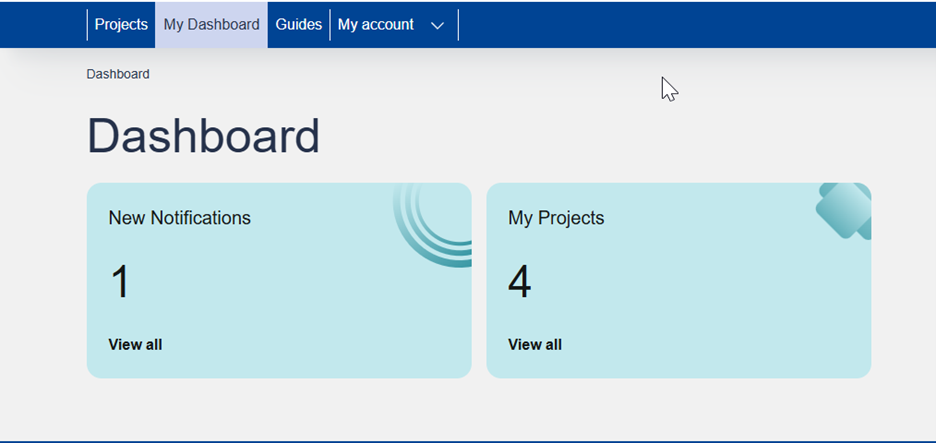
All users have access to “My Dashboard” page, from the main menu, where they can find a quick navigation to some important aspects of the Knowledge Hub platform like unread notifications and the list of projects they are participating. Additionally, by clicking the “View all” a user can navigate to the full list of items for the specific section.
Notifications table
Personal notifications about important platform events and other messages can be found at the notifications table.

The notifications table is showing the full list of platform notifications received and are order by descending date. The notifications messages will remain in “Unread” status until they are marked as read by clicking the “envelop” icon 
All In-app notifications are also sent by email to the user’s registered email address.
My Projects table
The “My Dashboard” page includes a shortcut to the user’s participating projects table. Click on the “View all” URL at the “My Projects” block to redirect to your projects table.
For each project or research object your account is assigned as a participant, there is separate row mentioning your accounts project role, the Project URL, the research object URL. Click on the respective project or research object URL to redirect to their entity page.