When creating a project for the first time and the project’s data are updated from the data layer API, the project page starting state is Draft. Until the project state is published it will remain hidden from the “Projects” menu search results. To change the project’s state to “Published” edit the project page and scroll down to find the “Current state” field.
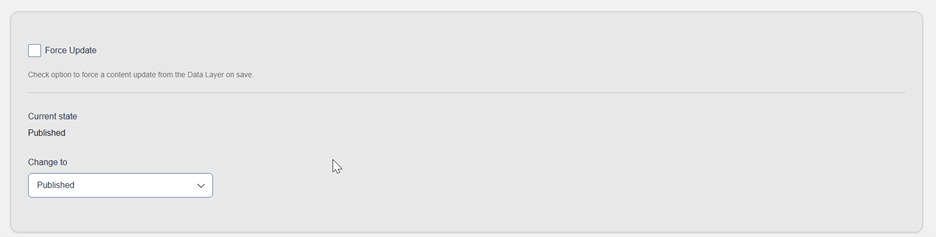
Change the “Current state" field value to Published and click the form “Save” action.
When publishing a project page, you might get some warning messages to fill in any required field that is missing. All project form required fields must be filled in when publishing a project page.