
The platform allows to override any project data coming from the Data Layer API in rare cases where we need to. In general, the external data override should be avoided and deactivated once the overridden value is changed at the original external sources.
Each external source field has an override option under the project form field input as shown below.
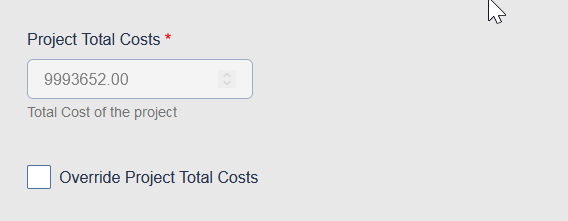
Overriding the project values can be done only if project is in Unpublished state.
The required steps to override a project field are:
- Unpublish the project
- Click on the respective field override checkbox and click the project form “Save”
- Reopen the project form, change the field value and click the “Save” button again to save your changes.
- Publish the project.
To deactivate a field value override, uncheck the override option of the field and check the form field “Force update” and click at the form “Save” button, to force update the project’s data from the Data Layer API.