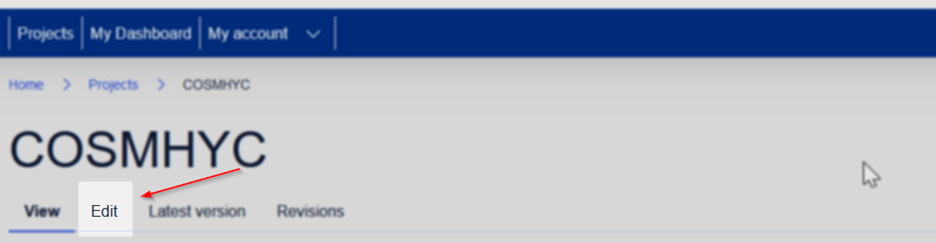
Depending on your account project role permissions you have access to various pages edit actions. For example, a Project Officer has edit permissions to a project page, a Project Coordinator has edit permissions to a research object etc. If your user account has edit permissions to a page, you will find the “Edit” action on top of the page display. Click the “Edit” action to redirect to the page edit form and edit its contents. After applying any changes to the page click on the form “Save” action to save your changes.
Bellow you can find an example of the Edit action for a project page which in this case is available to the Project Officer role. Similarly, if your account has the required permissions, you can find the Edit action to other pages like Research object pages, and Research object instance pages.